|
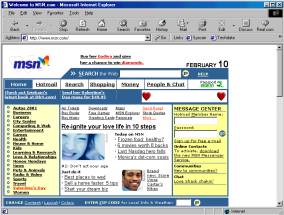
Most of the time this behavior is cause by the installation of some other companies ISP software such as MSN or AOL.
Step 1. Open Internet Explorer Double click the Internet Explorer on your desktop or
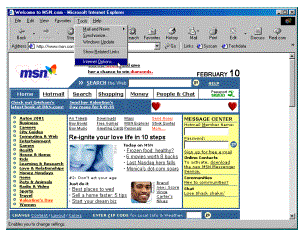
start menu. Step 2. Go to the internet options section. Click Tools then click Internet
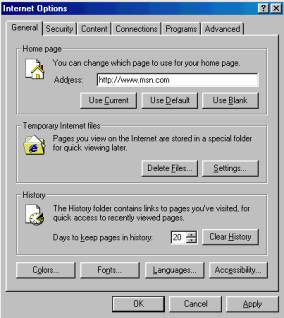
options on the Internet Explorer menu. Step 3. Change the home page. Select the text for the current home page and replace
it with HTTP://www.nlamerica.com Click Apply and then click OK
to save your settings. Click the HOME
button on your Internet Explorer tool bar to test your changes. |
|